
HOW TO SIGN UP
FOR ORGANIZED PLAY
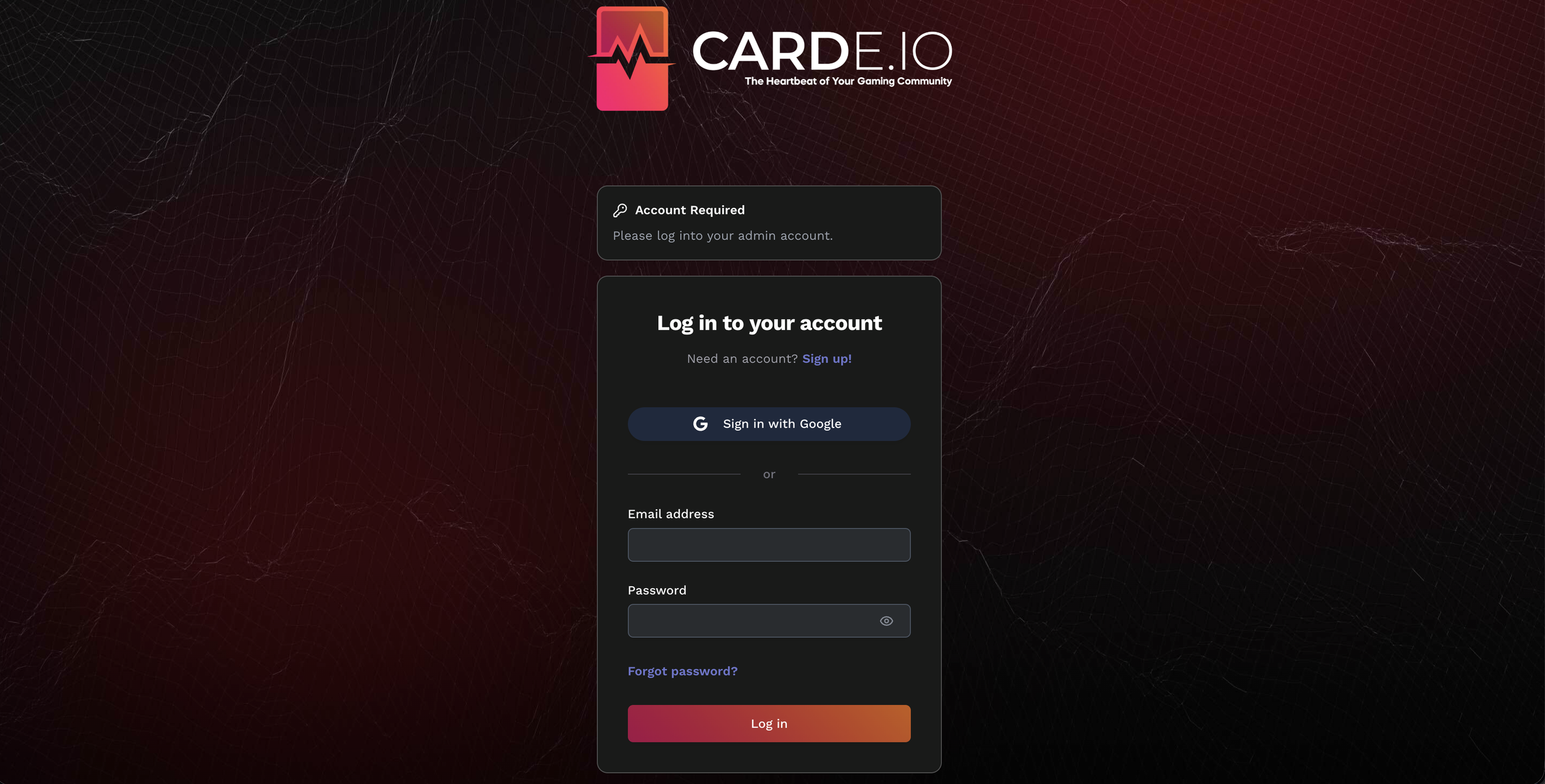
1. Go to https://admin.carde.io/
If you already have a store account with Carde io, just login to that account! (then skip to step 4)
2. If you don’t have an account with Carde io, then click the link labeled “Sign up” and enter an email and password. Then you’ll be asked to verify your email.
3. After completing email verification, fill out a short application with some information about your store. Once that’s been approved, you should be redirected to your store page!
4. On the left side of your store page, select games. You’ll see Neuroscape listed under available games, click the “apply” button to submit a store application.
This application will ask for some basic information about your store and your distribution channels. Once you’ve finished your application, submit it and our team will review it!
5. If your application is approved then Neuroscape will be added to the “Your Store’s Games” section of your store page!
Congratulations! You’re now an official Neuroscape organized play store!